Picture Enhancer
Make any picture sharper, clearer and bigger with AI. Fix blur and noise, restore old photos, colorize black and white pictures and upscale to 4K. Free to try — no sign-up needed.
Drop a photo here or click to upload
JPG, PNG or WebP · you can also paste (Ctrl/⌘+V)
Mode
Sharpens, cleans up noise and blur, and improves clarity while keeping the photo natural.
0 credits left · free plan
By enhancing you agree to our Terms and Acceptable Use Policy. No adult content.
Your enhanced photo will appear here, with a before/after slider.
See the difference
Drag the slider on each photo to compare the original with the enhanced version.
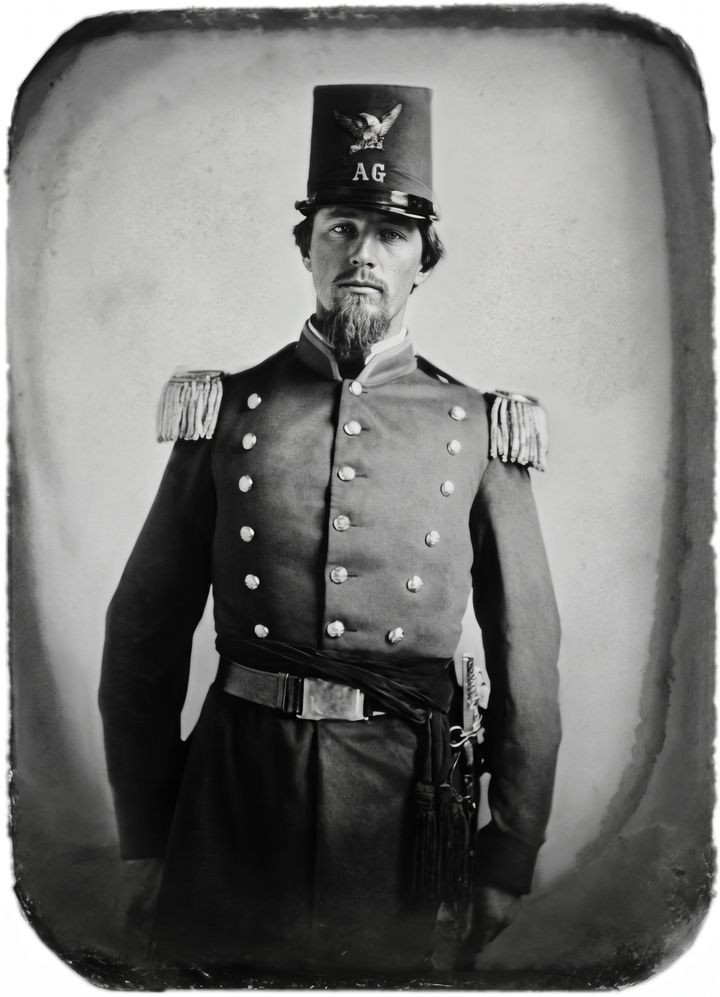
 BeforeAfter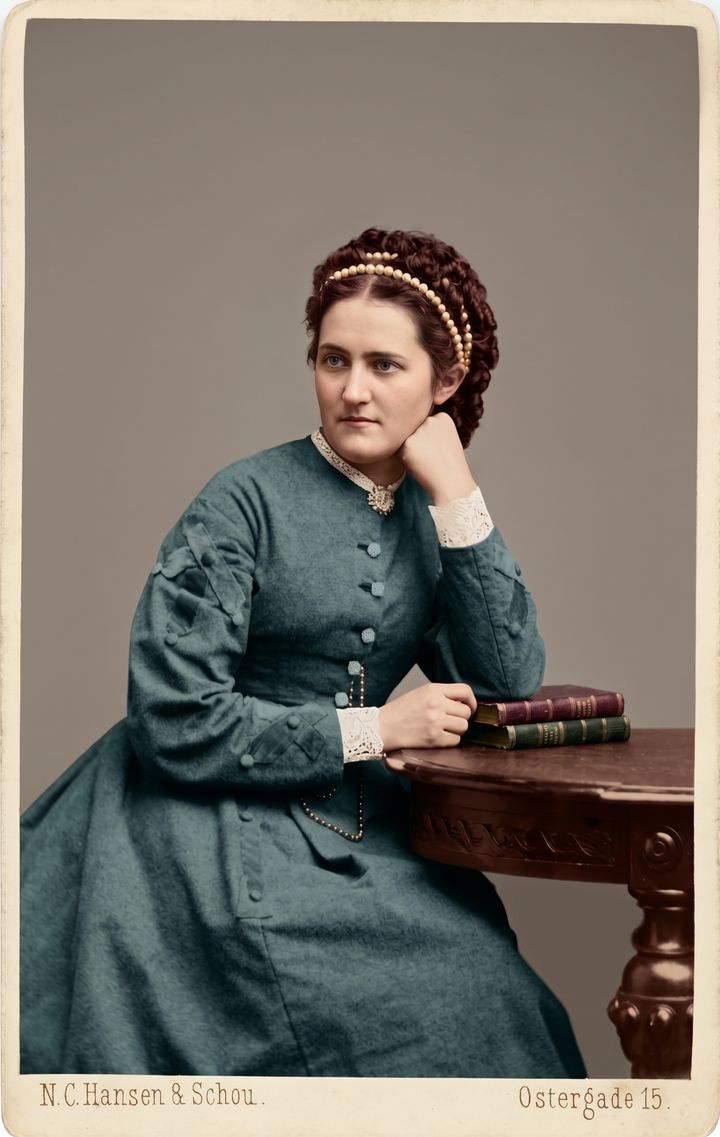
 BeforeAfter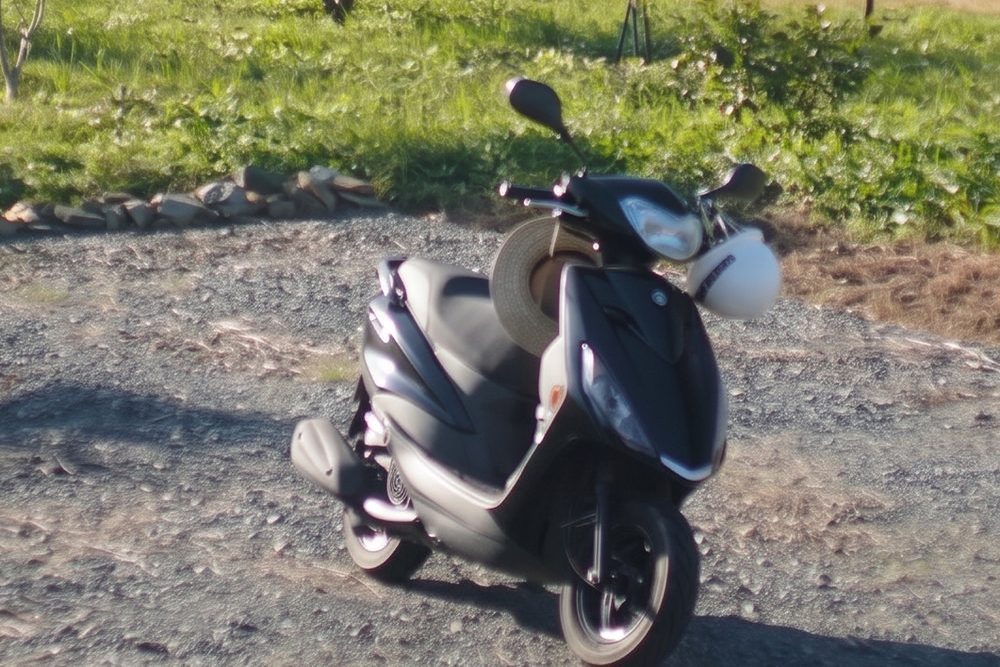
 BeforeAfter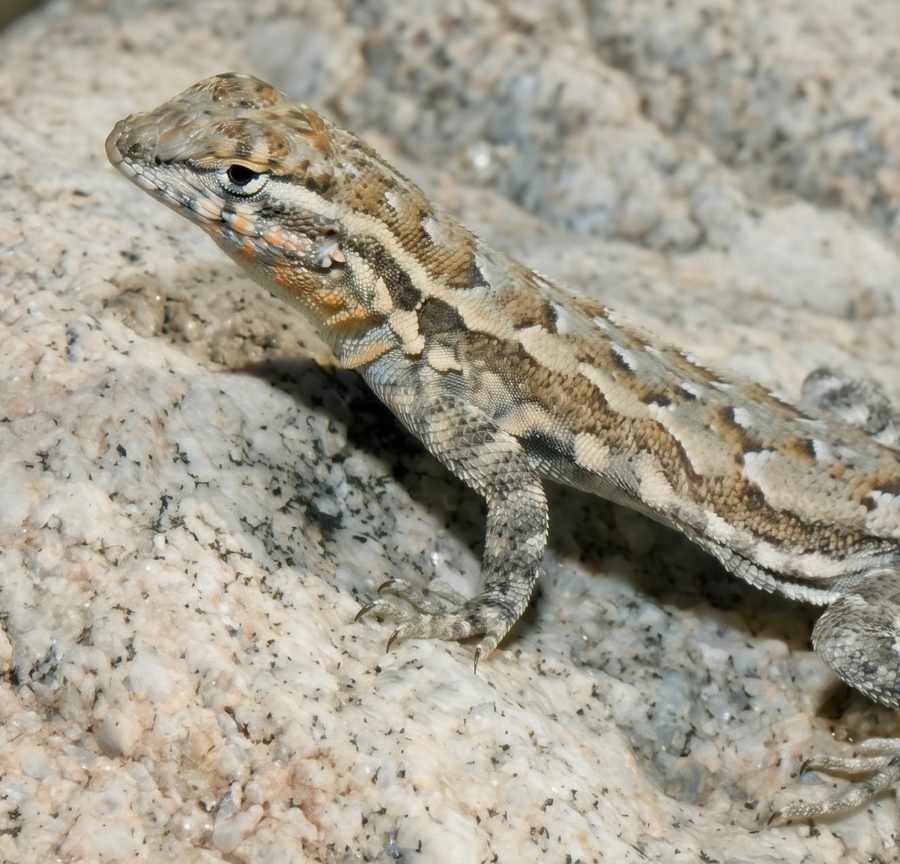
 BeforeAfter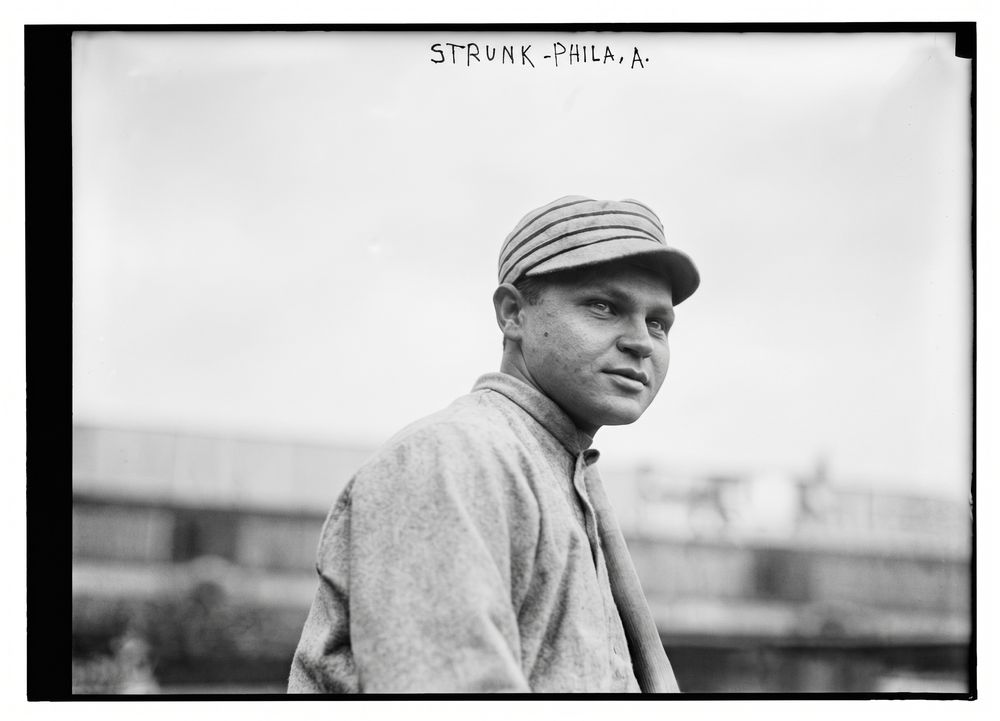
 BeforeAfter
Sample photos are public-domain and CC0 images from Wikimedia Commons.
How to enhance a picture
- 1
Upload a picture
Drop in a JPG, PNG or WebP — a blurry snapshot, a small image or a scan of an old print.
- 2
Choose a mode
Enhance, Restore Old Photo, Colorize, Unblur or Low-res to HD. Add a note if you want to.
- 3
Compare and download
Drag the before/after slider to check the result, then download it in seconds.
Photo enhancement tools
Each tool opens with the right mode already selected.
Old Photo Restoration
Restore old photos online. AI removes scratches, dust, stains, creases and fading from old family photos in seconds, and keeps faces true to the original. Free to try.
Try it →Improve Image Quality
Improve image quality in one click. AI removes blur, noise and compression artifacts and brings back sharp, natural detail in your photos. Free to try, 4K on paid plans.
Try it →Increase Image Resolution
Increase image resolution online. Turn small, pixelated photos into sharp 2K or 4K images with realistic detail — no jagged edges or blur. Free to try.
Try it →Unblur Image
Unblur images online. AI fixes motion blur, camera shake and out-of-focus photos and makes them look sharp and clear in seconds. Free to try.
Try it →Colorize Photo
Colorize black and white photos online. AI restores the old photo and adds natural, realistic color in seconds, keeping every face true to the original. Free to try.
Try it →Why use this picture enhancer
Keeps the photo yours
The AI is told to keep faces, expressions, composition and background exactly as they are — no beauty filters.
Five modes in one tool
Sharpen and clean up, restore old photos, colorize, unblur and upscale low-resolution images.
Up to 4K output
Paid plans get 2K results, or 4K Ultra HD for 2 credits — big enough to print.
Before/after slider
Every result opens in a comparison slider, so you can check details before downloading.
Fast and online
Nothing to install. Most photos are ready in under a minute, on any device.
Private by default
Uploads are used only to create your result and are never shown publicly.
What AI enhancement can and can't do
AI enhancement redraws your photo at higher quality. That is why it works so well — and why you should always compare.
Works great for
- ✓Removing scratches, dust, stains, creases and fading from old photos
- ✓Fixing mild to moderate blur, camera shake and soft focus
- ✓Cleaning up noise, grain and blocky JPEG compression
- ✓Turning small or pixelated images into sharp 2K and 4K pictures
- ✓Adding natural, realistic color to black-and-white and sepia photos
Good to know
- •When a face is mostly missing or tiny, the AI has to rebuild it and it may look slightly different.
- •Detail that was never captured is invented to look plausible — it is not a forensic recovery.
- •Small text, logos and numbers can be redrawn incorrectly, so check them before you use the result.
- •Colorized colors are realistic guesses unless you tell the AI the real ones.
Frequently asked questions
What is a picture enhancer?+
A picture enhancer is a tool that improves the quality of an existing photo: it makes it sharper, removes noise, blur and compression artifacts, repairs damage on old photos and can increase the resolution. This one uses AI, so it rebuilds real-looking detail instead of just adjusting contrast and sharpness.
Is the picture enhancer free?+
Yes. You can enhance your first picture without signing up, and you get 3 more free credits when you sign in with Google. Free results are up to 1024 px with a small watermark. Paid plans start at $9.9/month for 100 photos in 2K without a watermark, with 4K Ultra HD for 2 credits.
Which mode should I choose?+
Use Enhance for everyday photos that look soft or noisy, Restore Old Photo for scratched or faded prints, Colorize to add color to black-and-white photos, Unblur for motion blur or missed focus, and Low-res to HD for small or pixelated images.
Will the AI change faces?+
It is instructed to keep every face, expression and detail as it is and not to beautify anything, and with normal photos faces stay the same. When a face is very small, very blurry or badly damaged, the AI has to reconstruct it and it can come out slightly different — use the before/after slider to check.
What resolution are the results?+
Free results are up to 1024 px. Paid plans produce about 2K (around 2048 px on the long side) for 1 credit, or about 4K (around 4096 px) for 2 credits. The aspect ratio of your photo is kept.
Which image formats are supported?+
JPG, PNG and WebP up to 10 MB. Large images are resized to 2048 px in your browser before upload, which is plenty of detail for the AI.
Can I use enhanced photos commercially?+
Photos enhanced on a paid plan can be used commercially, as long as you own the rights to the original picture. Free results are for personal use.
Do you keep my photos?+
No. Uploaded photos are sent to our AI provider only to create your result and are not stored. Results are stored privately so you can download them, are never shared publicly, and are deleted automatically after 30 days (180 days on paid plans, 7 days if you didn't sign in).
Enhancing a whole album?
Plans start at $9.9/month for 100 photos — 2K output, 4K Ultra HD, no watermark and commercial use.
See pricing